
Park trips move fast
By the third park day, Tuesday is already fuzzy.
MyParkTales gives the family organizer one focused place for the day plan, party details, and what actually happened.
The trip in real life
All the little trip questions end up with one person.
MyParkTales gives that person one place to keep the plan, record what happened, and find it again later. No spreadsheets, no buried group texts, no hunting for the plan while everyone is asking.
What are we doing today?
Did we all ride that one?
Wait, which day was Hollywood Studios?
What did we end up doing yesterday?
The app in action
Plan before the day. Track it as it changes. Remember it later.
Before the day gets loud
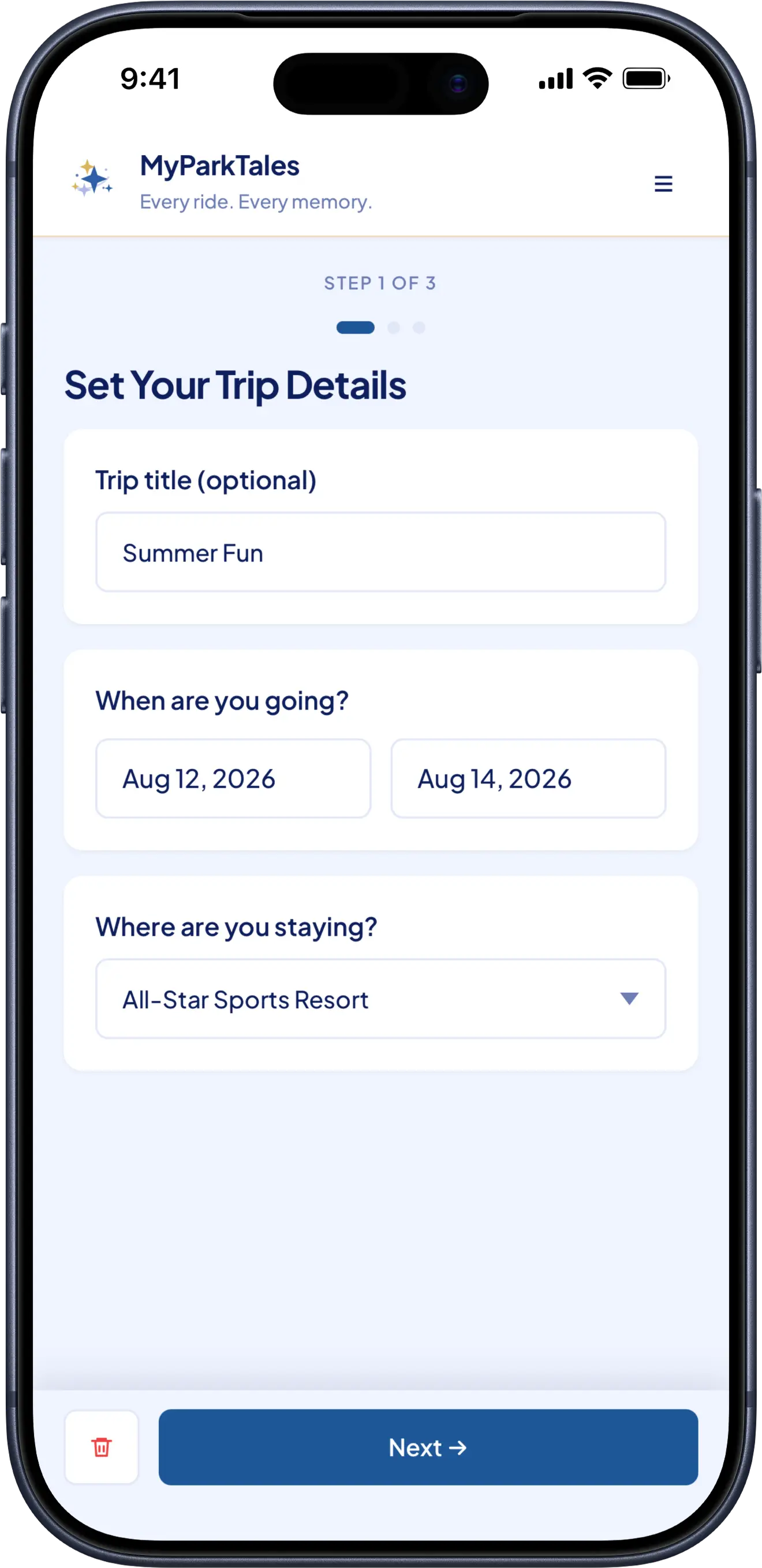
Start with the trip basics.
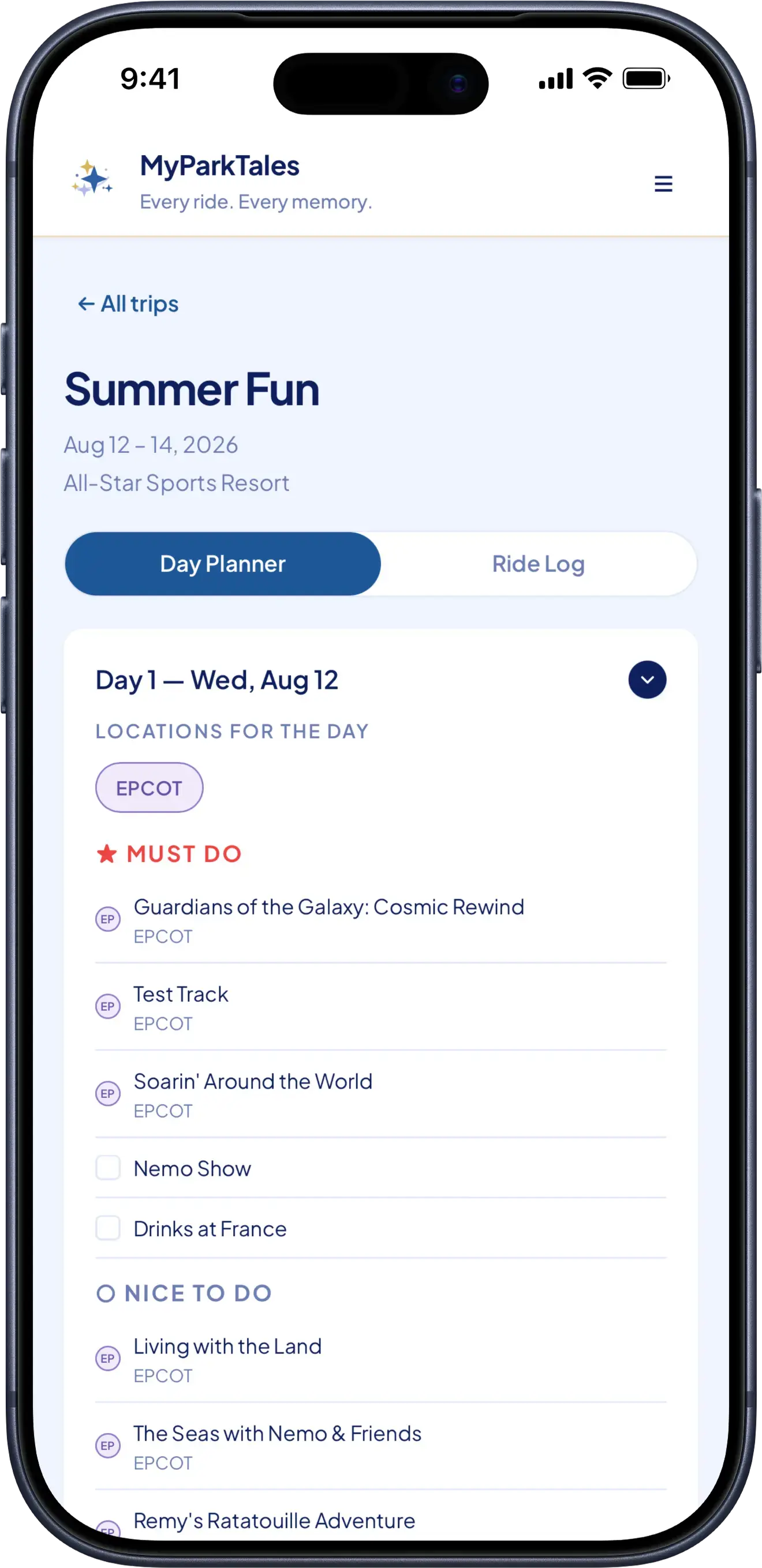
Travel dates, hotel, party members, park days, must-dos, nice-to-dos, and notes all live where the person planning the trip can find them again.
As the day changes
Keep the day current without slowing down.
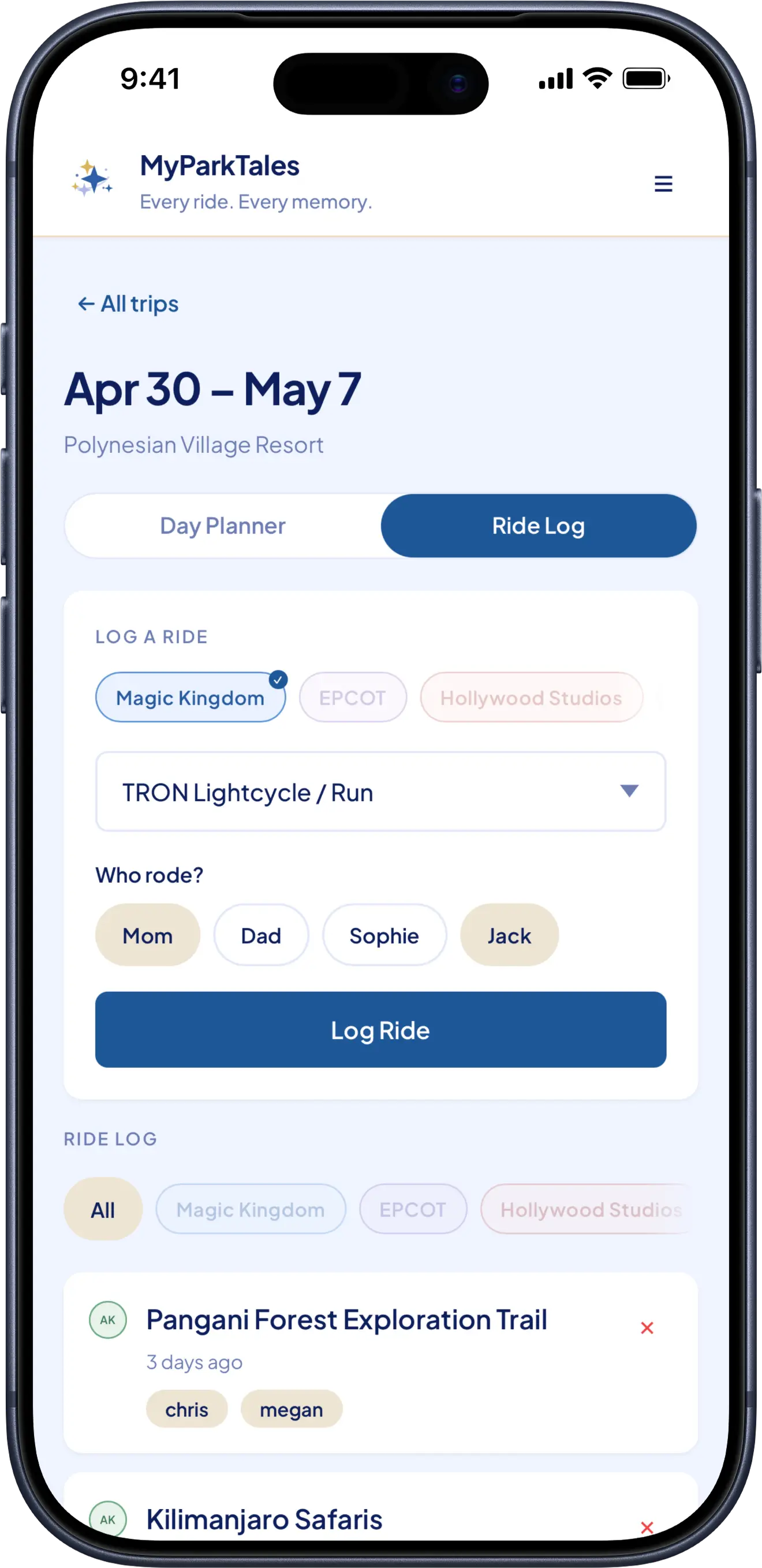
Update the plan, add notes, log the rides that happened, and put the phone away. The app is for keeping track, not stealing the moment.
After the trip
The days have a shape again.
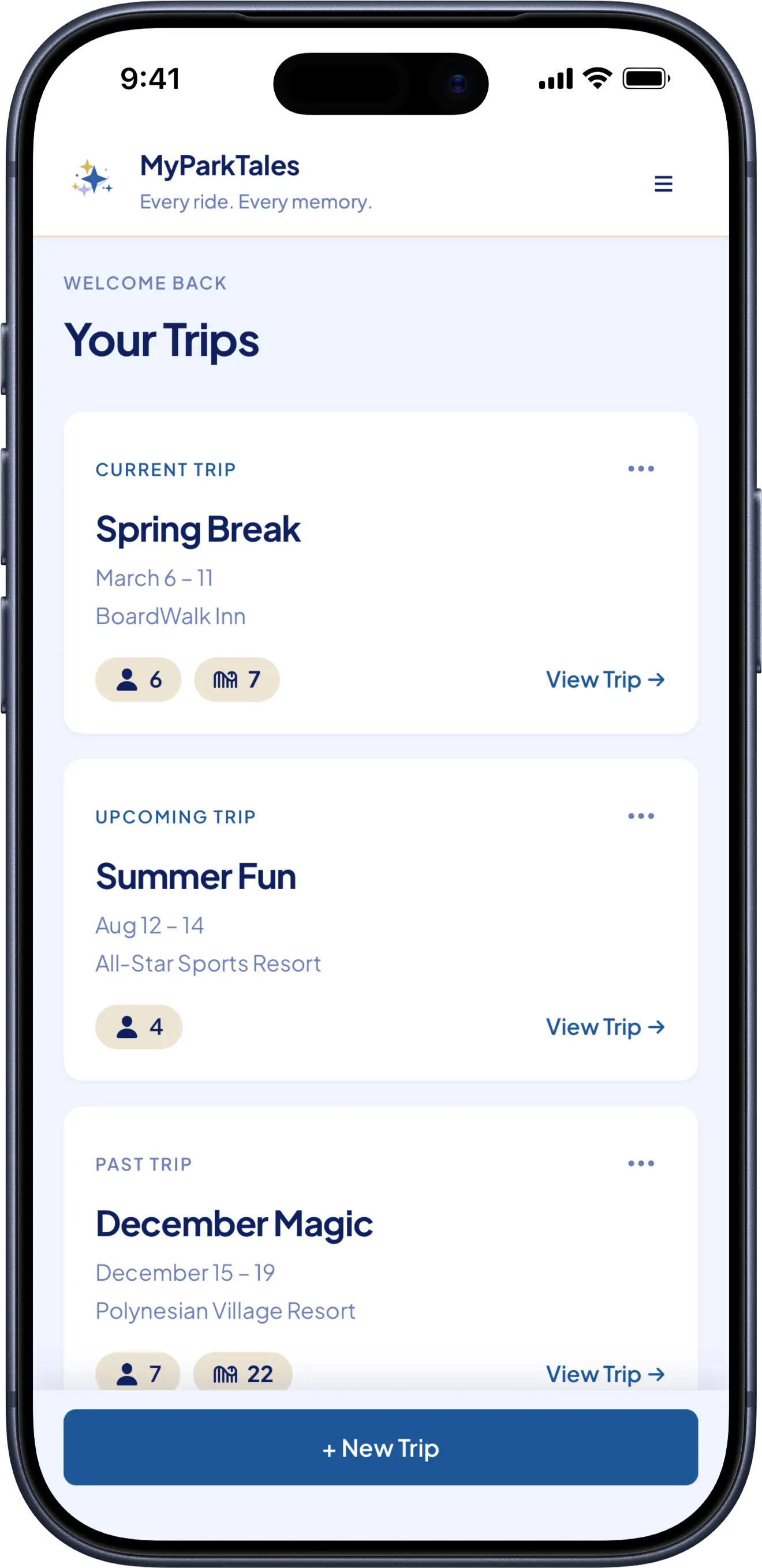
Your trips page becomes the family record: where you went, who was there, and the details that made each day different.
Why this instead?
The usual tools are fine until the park day is actually happening.
Good for a packing list. Clunky when you are updating plans with one hand.
Helpful before the trip. Awkward once the day starts moving.
Great for photos and jokes. Bad at holding the plan.
Busy by design. MyParkTales is focused on your party, your day, and what you want to remember.
For the person keeping track
The details stop living only in your head.
Plans, notes, ride logs, and who-did-what stay together, so you are not rebuilding the day from memory while everyone keeps moving.
- Park plans by day
- Must-dos and nice-to-dos
- Ride logs by person
- Notes from each park day
- A trip history to come back to later
Start with the next trip
Create the trip before the first park day.
Add the dates, hotel, party, and first plan now. When the day gets busy, MyParkTales is already holding the details.
Open MyParkTales